







With NRMA the PCM feature will help you to manage many quotes at the same time. You will be allowed to submit as much as quotes for assessment from one place.
When you click on the PCM button under the Exchange tab for ORM, you will have two options to work on with.
- Submit
- View

Submit:
When the user clicks on submit button the PCM window will show up. Based on the settings that have been defined in the system settings, the quotes will be listed.
By default, the quotes will be selected on how much for a batch has been defined in the system settings. The first two in the batch will be the highest quoted jobs and the remaining will be from the lowest to highest. You will have choice of selecting the batch and submit them.
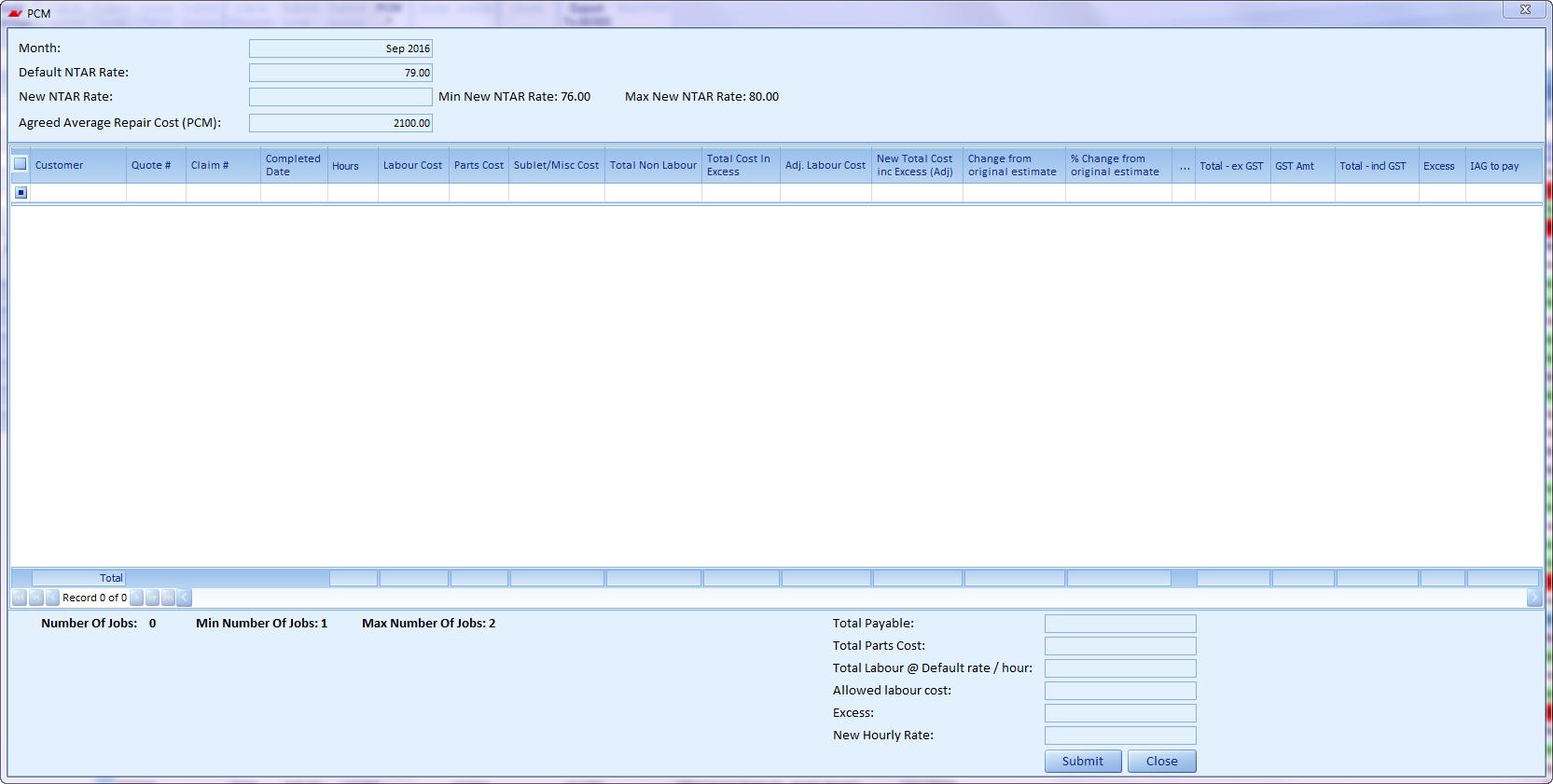
When you submit a batch it would be termed as one PCM batches, when some of the quotes authorised, it turns back in and gets updated it in the respective quotes with invoices created automatically for that quote.
View:
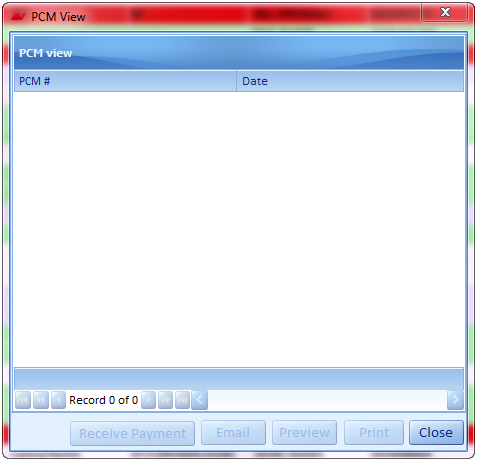
This button will prompt a window that will list all the PCM batches from where you can receive payment or make up a report for the PCM jobs.